
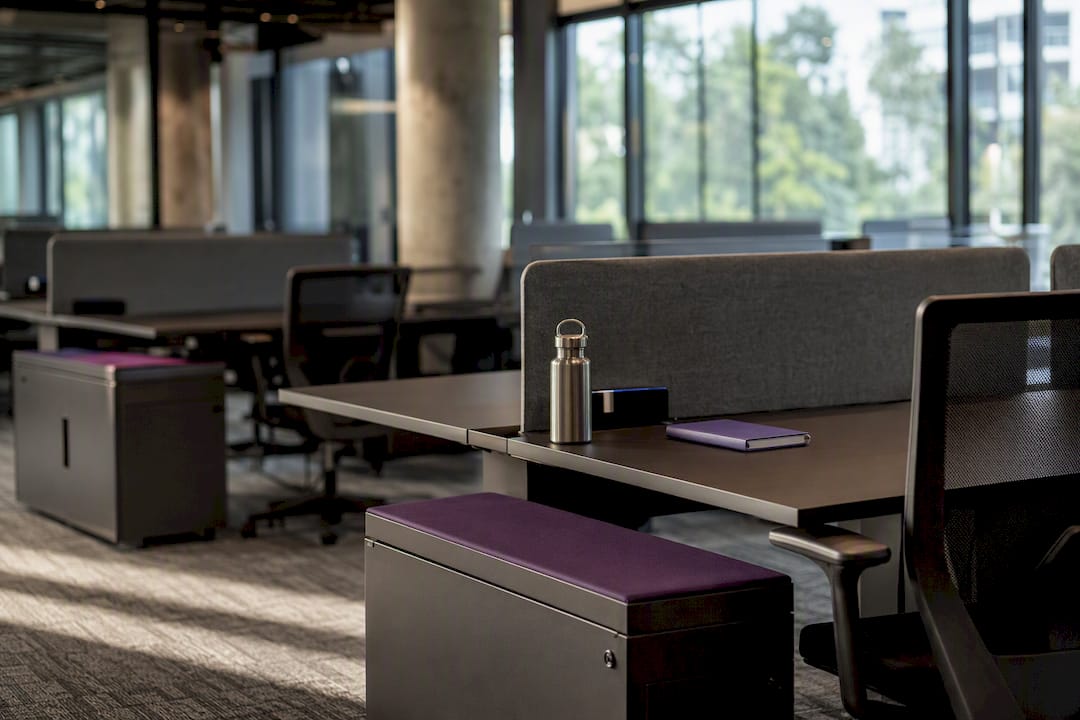
A good hot desking policy sets one clear booking model, spells out etiquette and clean-desk rules, and names exactly who gets accommodations and how. Get that right and you protect productivity without the morale hit that badly-run flexible desking usually causes.
Before you draft a word, run through this:
- Purpose and scope defined for staff, contractors and visitors
- Booking model chosen: first-come or reservation-based
- Etiquette and clean-desk rules written in plain language
- Storage and locker allocation settled
- Accessibility and reasonable adjustment process documented
- Booking software and calendar integration confirmed
- Enforcement ladder agreed with HR and managers
- Pilot cohort and duration locked in
- Communications and training plan scheduled
- KPIs set for occupancy, no-shows and disputes
Pro Tip: Grab the fillable template and one-page checklist further down this guide and adapt the sample clauses directly. You’ll have a first draft ready inside an hour.
Key Takeaways
A hot desking policy succeeds when it pairs a clear booking model with explicit etiquette, accessibility provisions, and a data-backed enforcement process.
| Point | Details |
|---|---|
| Choose one booking model | Pick first-come or reservation hoteling based on how predictable attendance actually is. |
| Write etiquette rules down | Clean-desk standards and signage prevent the complaints that damage morale fastest. |
| Document adjustments | Use a request, assessment, and record process for accessibility and exceptions. |
| Pilot before full rollout | Run four to six weeks with one cohort, then adjust desk ratios from real data. |
| Track the right metrics | Monitor check-in rate, no-shows, and dispute resolution time to catch problems early. |
Table of Contents
- What is the purpose and scope of a hot desking policy?
- Who is eligible for hot desking, and who gets an exception?
- Should you use first-come hot desking or reservation-based hoteling?
- What etiquette and clean-desk rules keep shared desks usable?
- What equipment and storage should every hot desk provide?
- What technology and safety systems does hot desking need?
- How do team neighbourhoods fit into a hot desking layout?
- How do you enforce the policy without micromanaging staff?
- What should the policy template actually include?
- Hot desking versus hoteling: which one fits your team?
- How do you pilot and roll out a hot desking policy?
- Getting the physical space right from day one
- Frequently asked questions
- Sources
What is the purpose and scope of a hot desking policy?
The purpose statement is simple: this policy governs how desks and workspaces are shared across the organisation to support flexible, hybrid and cost-effective working while protecting comfort, privacy and safety for everyone using the space.
Scope should name exactly who it touches:
- Permanent staff, casual and contract workers, and approved visitors
- Every site where desking applies, including satellite offices and coworking spaces
- Days and events when hot desking is active (e.g. weekdays only, or during peak-attendance periods)
- Cross-references to your workplace health and safety policy and IT acceptable use policy, since desk sharing touches both
Who is eligible for hot desking, and who gets an exception?
Most roles can hot desk. Exceptions usually cover people needing fixed specialist equipment, staff handling client-confidential material that can’t move between desks, or team leads who need predictable proximity to their reports.
Build a simple three-step process:
- Request — employee or manager submits a reasonable adjustment request through HR
- Assessment — HR or a workplace consultant reviews the need against available desks, equipment and location
- Record — outcome is documented, reviewed every six to 12 months, and flagged in the booking system so the desk or exemption sticks
Pro Tip: Keep every adjustment record in one place, not scattered across email threads. When a manager changes or an employee moves teams, a searchable record avoids re-litigating a decision that’s already settled.
Should you use first-come hot desking or reservation-based hoteling?
Hot desking and hoteling differ mainly on predictability: hot desking runs first-come, first-served, while hoteling relies on reservations booked in advance. Pick based on how predictable your team’s attendance actually is.
| Factor | First-come hot desking | Reservation hoteling |
|---|---|---|
| Predictability | Low, arrival-order only | High, desks locked in advance |
| Complexity | Minimal setup | Requires booking software |
| Best for | Small teams, casual drop-ins | Larger teams, fixed hybrid schedules |
Whichever model you choose, write the mechanics into the policy itself:
- Booking windows open no more than two weeks ahead
- A 15 to 30 minute grace period before a no-show releases the desk automatically
- Cancellations required at least two hours before the booking start
- Repeated no-shows trigger a review, not an automatic ban
What etiquette and clean-desk rules keep shared desks usable?
Every hot desking policy needs explicit behaviour rules, because unwritten expectations are the fastest route to resentment. Australian workplace reporting consistently flags etiquette gaps, not the booking system itself, as the top driver of staff complaints.
- Clear the desk completely at the end of each session, including cables and personal items
- No strong-smelling food at the desk; use the kitchen or breakout space
- Never leave confidential documents or an unlocked screen unattended
- Personal decoration is limited to what fits in a locker, not the desk itself
Pair the rules with short desk-side signage and a friendly welcome email rather than heavy-handed enforcement. Some organisations appoint informal “etiquette champions” on each floor to nudge new starters. For more on making shared spaces feel intentional rather than sterile, see professional tips for an organised office.
What equipment and storage should every hot desk provide?
Every shared desk needs a minimum standard kit so nobody wastes ten minutes rigging up a workstation: a monitor, a docking station, a keyboard and mouse, and an adjustable chair that meets basic ergonomic checks.
- Lockers allocated daily or weekly through the same booking system as desks
- Secure storage specifically for valuables and confidential files, separate from general lockers
- A documented process for booking specialised or adapted workstations for staff with specific physical needs
Good ergonomic provisioning isn’t optional extra spend. It’s covered in detail in ergonomic office design, and it’s worth pairing with practical storage layout ideas like those in storage optimisation, which apply just as well to office lockers as home cabinetry.
What technology and safety systems does hot desking need?
A desk-booking platform with check-in prompts and automatic release of no-shows is the backbone of any workable policy, not a nice-to-have layered on top.
- Calendar and single sign-on integration so booking takes seconds, not minutes
- Occupancy analytics feeding back into desk ratio decisions
- Clean-desk rules extended to digital security: locked screens, no exposed client data, guest Wi-Fi kept separate from the internal network
- An evacuation procedure that accounts for people by booking data, not fixed seating charts, since fire wardens can no longer rely on knowing “who sits where”
How do team neighbourhoods fit into a hot desking layout?
Not every desk should be a free-for-all. Defining neighbourhoods for teams that need daily proximity, alongside true flex zones for individual hot desking, reduces collaboration friction considerably.
- Size neighbourhoods to roughly 80% of a team’s average headcount, leaving room to flex
- Keep zone boundaries modular so a reorganisation doesn’t mean rebuilding the floor
- Place quiet zones away from collaboration hubs and touchdown areas, since unmanaged hot desking is linked to concentration loss when there’s nowhere quiet to retreat to
For layout ideas that support this mix, encouraging socialisation with office design covers how to place collaboration space without swallowing the whole floor plan.
How do you enforce the policy without micromanaging staff?
Track a handful of metrics: check-in rate, no-show rate, peak occupancy by day, and average time to resolve a booking dispute. These numbers tell you whether the policy is working long before complaints pile up.
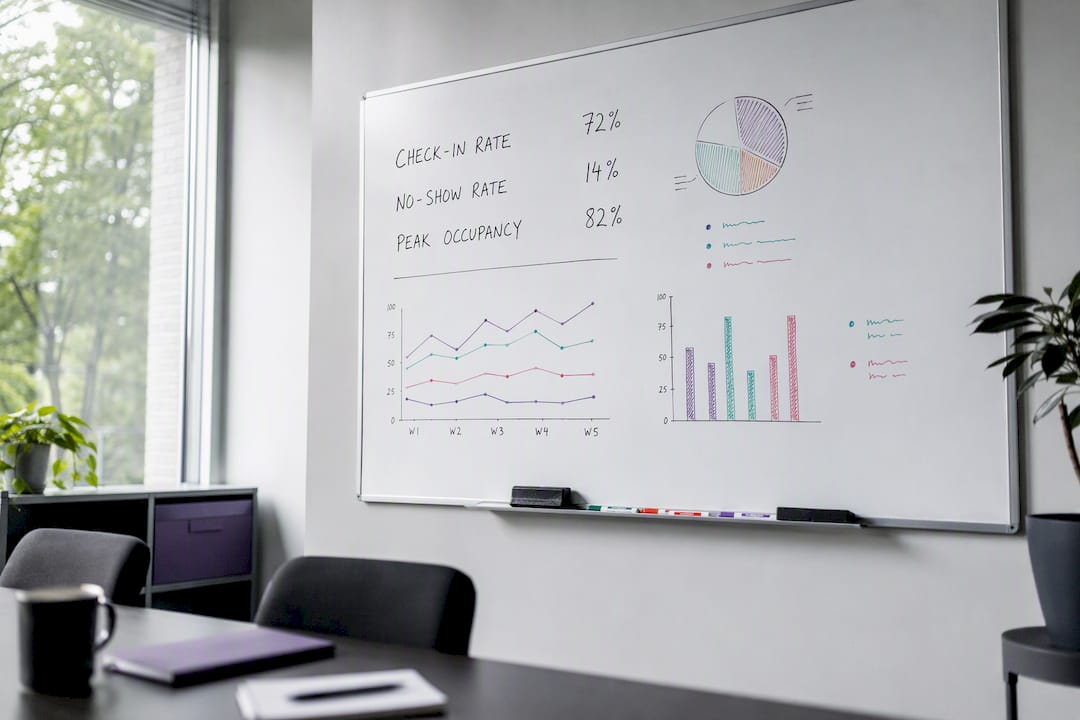
Use a light enforcement ladder, starting with automated reminders and escalating to HR involvement only if earlier steps fail
For disputes, raise concerns with the desk-booking administrator first, escalate to HR if unresolved, and log outcomes to identify patterns
What should the policy template actually include?
A working template needs five sections: purpose and scope, booking rules, etiquette and clean-desk standards, an accessibility clause, and enforcement. An example excerpt might read: “Desks are booked via [system name] with advance notice. Unclaimed bookings release automatically after a grace period. All desks must be cleared at the end of each session. Employees requiring reasonable adjustments should submit a request to HR for assessment.”
Pair that with a one-page quick-fill checklist covering: number of desks, booking software name, grace period length, locker allocation method, and named enforcement owner. Once filled in, convert it into a PDF or an internal policy page so it’s easy to find and update.
Hot desking versus hoteling: which one fits your team?
If attendance is unpredictable and teams are small, first-come hot desking keeps things simple. If your hybrid pattern is fixed, mobile workers need certainty, or privacy needs are high, reservation-based hoteling is worth the extra setup cost. Moving from one to the other works best as a staged transition, not an overnight switch, giving staff a full cycle to adjust booking habits.
How do you pilot and roll out a hot desking policy?
Run the policy as a pilot before committing the whole floor to it.
- Select one floor or team as the pilot cohort for four to six weeks
- Monitor check-in rates and gather feedback at the two-week and end-of-pilot marks
- Adjust desk ratios and etiquette wording based on what the data actually shows
- Roll out organisation-wide only after the pilot metrics stabilise
Supporting comms matter as much as the mechanics:
- Short user guides distributed before day one
- Etiquette signage placed at every desk cluster, not just the entrance
- A live onboarding session where staff can ask questions before the switch
For guidance on running the change process itself, see change management and office design. A 15 to 20% buffer in desk ratios is a sensible starting point, adjusted once real occupancy data comes in.
Getting the physical space right from day one
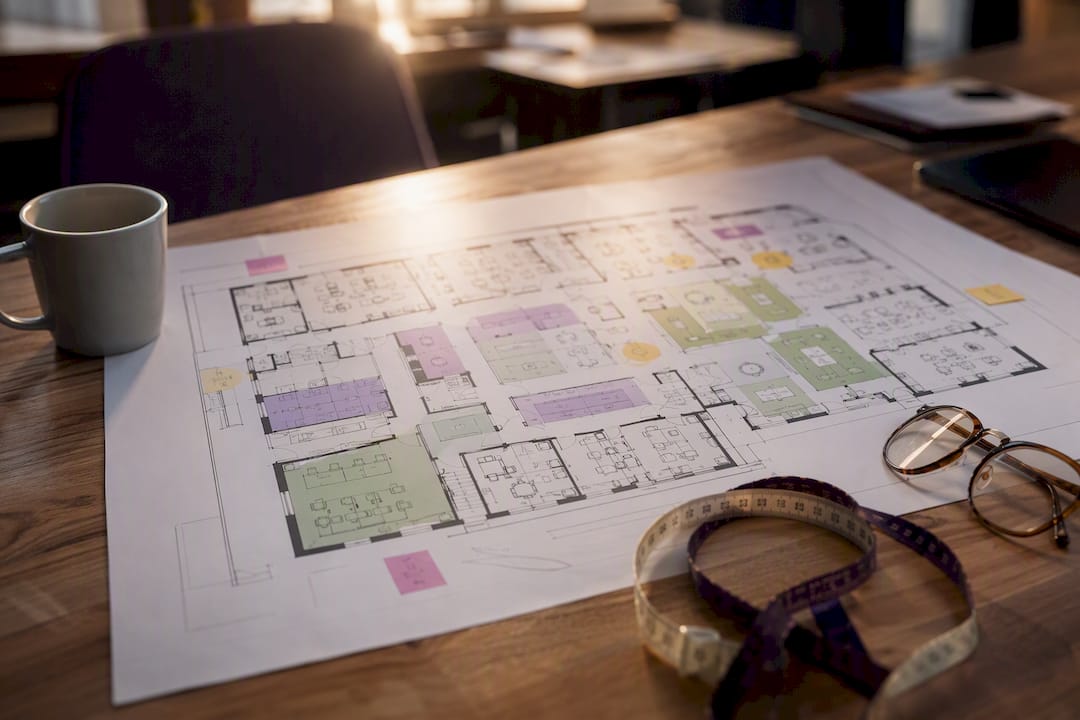
None of this works if the desks, lockers and zones aren’t built for how people actually move through the space. Nicheprojects works with HR and executive teams to design fit-for-purpose layouts that support neighbourhoods, flex zones and accessible workstations from the ground up, rather than retrofitting a policy onto a floor plan that fights it. If desk ratios, storage, or zone sizing are still open questions, a free office space plan is a practical starting point before you finalise the policy.
Frequently asked questions
What should a hot desking policy always include?
Purpose and scope, eligibility and exceptions, booking rules, etiquette and clean-desk standards, equipment and storage provisions, and a clear enforcement process.
What’s the difference between hot desking and hoteling?
Hot desking is first-come, first-served with no reservation. Hoteling uses a booking system to reserve a desk in advance, trading spontaneity for predictability.
How long should a hot desking pilot run?
Four to six weeks is usually enough to gather meaningful occupancy and feedback data before a wider rollout.
How do you handle reasonable adjustments under a hot desking policy?
Use a simple request, assessment, and record process through HR, with adjustments reviewed every six to 12 months and flagged in the booking system.
What tools support a hot desking policy?
Desk-booking platforms with calendar and SSO integration, occupancy analytics, and automatic no-show release are the core technology requirements. Tools like Archie offer desk-booking and coworking management features, while HR platforms such as Personio support the policy documentation and workflow side of rollout.
Sources
- Hot desking pros and cons (AU Indeed Hire)
- What is hot desking? Definition, benefits and best practices for 2026 (Gable)
- Experts weigh in on correct hot-desking etiquette (ABC News)
- Hot desking: Pros, cons and how to make it work (Clearooms)